
HOW TO APPLY
Before you apply, review the SCE Pre-Owned EV Rebate Customer Terms and Conditions and have these documents available.
A valid California driver’s license
A recent SCE billing statement
Rebate Plus eligibility documents—if applicable
Vehicle purchase agreement or title
Permanent California registration
Additional Rebate Plus Eligibility Information
Get peace of mind before you buy. Rebate Plus customers can apply before purchasing a vehicle to confirm eligibility for the $4,000 rebate.
All Rebate Plus applicants must provide additional documentation based on the eligibility scenario under which they are applying. For step-by-step instructions, or examples of required documentation, please view the Rebate Plus Support Guide.
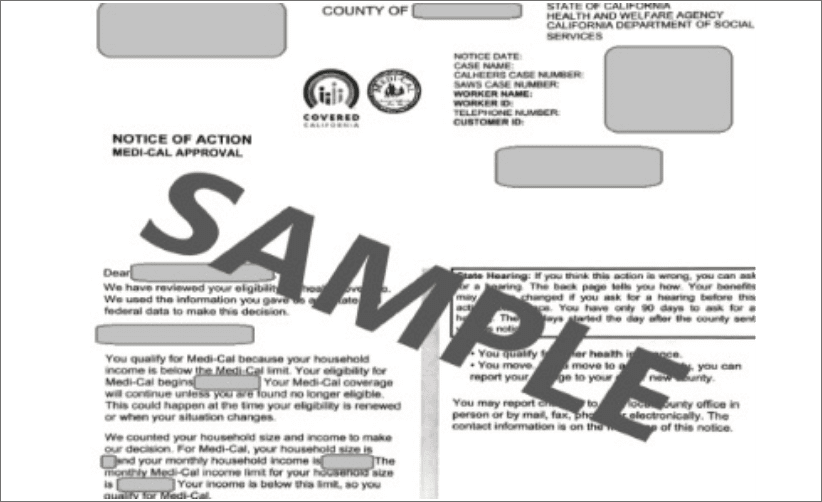
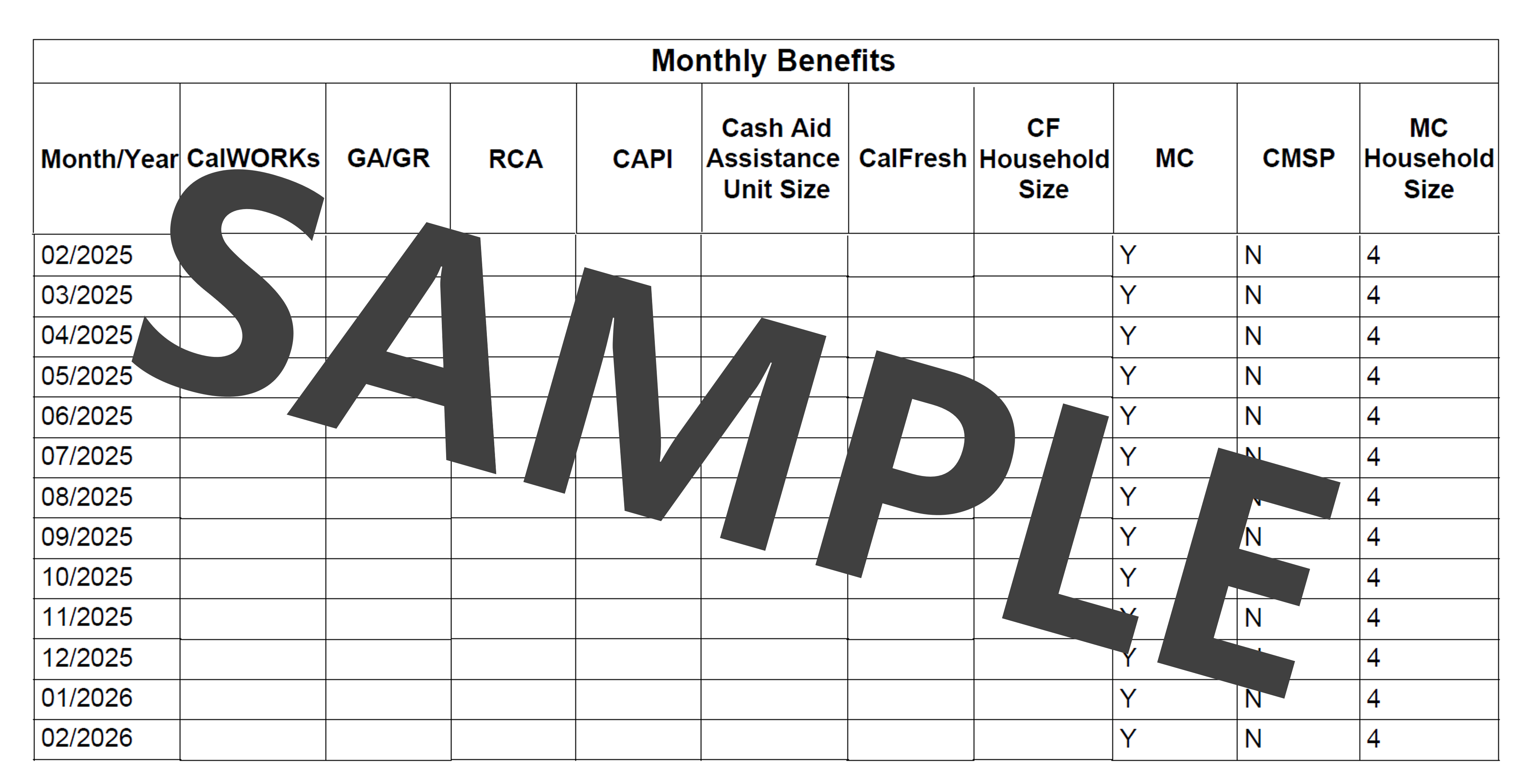
Public Assistance Program Document: A form proving you were enrolled in one of the approved Public Assistance Programs at the time you purchased or leased your vehicle. The applicant's name must match the name of the participant shown on the program document.
This document is only required if you are verifying eligibility through enrollment in a Public Assistance Program.
A list of eligible Public Assistance Programs is available here.
Documents for many eligible programs can be accessed via benefitscal.com/. Log into your active case to access the required information.
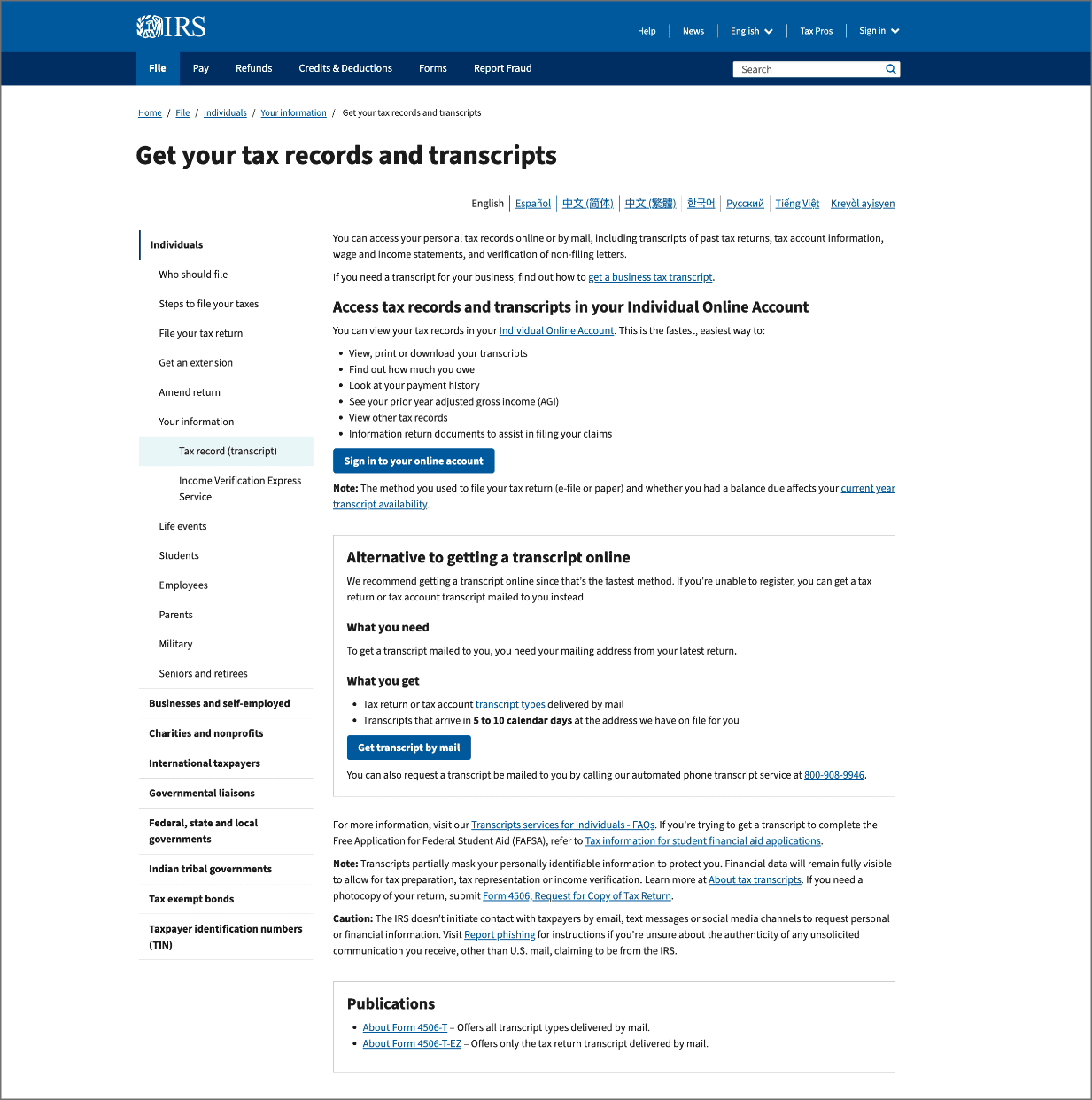
Tax Return Transcript (Most Recent Year Required): Taxpayers can request their tax transcript information by calling the Interactive Voice Response (IVR) at 800-908-9946 or accessing their online account at IRS.gov/your-account.
This is not the same as a W2 or a 1040 Tax Return. Only IRS Tax Transcripts will be accepted.
- Sign in or create your IRS Individual Online Account
To create a new account, you will need the following (as listed on IRS.gov):
- Social Security Number, date of birth, filing status, and mailing address
- Email address
- Mobile phone number
- A financial account number (credit card, mortgage, home equity loan/line of credit, or auto loan)
- Each applicant and every person age 18 or older listed on the tax return must sign in to their own IRS account to download their transcript.
- After signing in, select:
- "Tax Records"
- Then choose "Tax Return Transcript" for the most recent tax year available
- Make sure you choose the Return Transcript as Account Transcripts are NOT accepted
- Download the transcript PDF for the required year(s).
- Upload the transcript directly to the POEV website.
Note: For security reasons, do not email your tax return transcript.
- If you require assistance with uploading your transcript and any remaining documents to your Rebate Plus application, please call program support.
- Sign in or create your IRS Individual Online Account

Other Tips for Quick Submission:

Other Tips for Quick Submission:
- Uploaded documents must be in PDF, JPG, JPEG, or PNG format.
- Upload files one at a time.
- If a document has multiple pages, combine them into a single file before uploading.
For more information about the application process and eligibility requirements, review the Program Eligibility Requirements and Frequently Asked Questions pages, as well as the SCE Pre-Owned EV Rebate Customer Terms and Conditions Agreement.
HAVE QUESTIONS?
Check out the FAQs page for answers to common questions about the SCE Pre-Owned Electric Vehicle Rebate.
View FAQs